What is this, exactly?
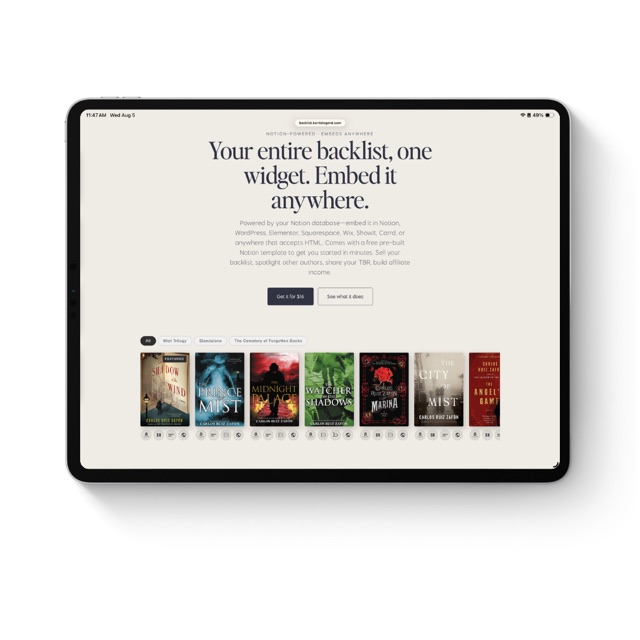
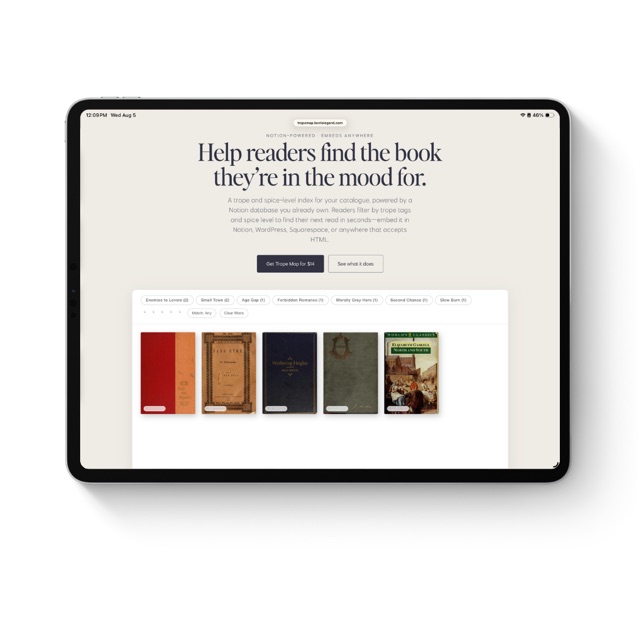
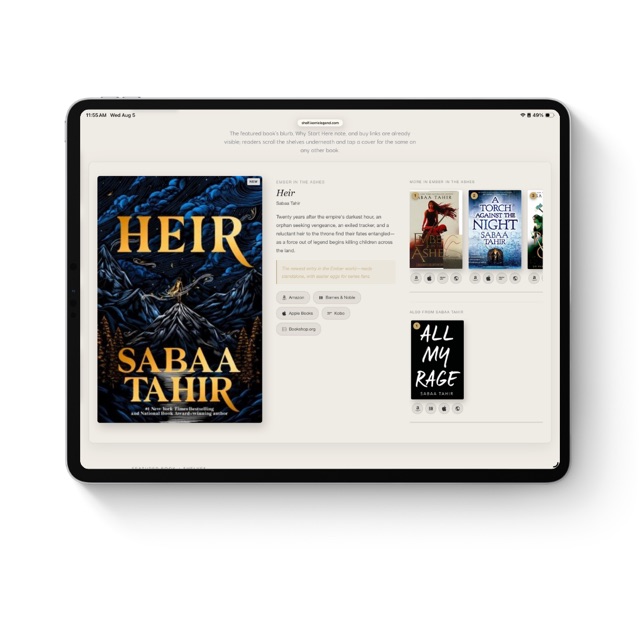
A widget that turns a Notion database into three labeled TBR shelves—My Picks, Community Suggestions, and BookTok Recommendations—you can embed anywhere: your Notion workspace, WordPress, Elementor, Squarespace, Wix, ShowIt, Carrd, or any platform that accepts an iframe. Each cover opens a lightbox with your note and buy links to every retailer you've added.
Can I embed it on my website, not just Notion?
Yes—that's a core feature. After setup you get both a Notion embed URL and a standard iframe snippet. Paste the iframe into a WordPress Custom HTML block, an Elementor HTML widget, a Squarespace Code block, a Wix HTML iFrame element, a ShowIt Embed widget, a Webflow HTML Embed, a Carrd Embed element, or anywhere else that accepts raw HTML.
How do I get access after I buy?
You'll receive a private setup link by email the moment you purchase, along with the full setup guide. Setup is a one-time process: connect your Notion database and paste your widget URL into any Notion page as an embed. After that it stays connected and updates automatically.
What does 'lifetime access' mean?
One payment, yours for good. No subscription, no renewal, no monthly fee. Every feature I add in the future is included free.
How many books can I add?
As many as you like to your Notion database—only the books you check On Shelf show in the widget, up to 9 per shelf. Use Shelf Order to control which nine appear first if a shelf ever has more than that.
Which retailers are supported?
The widget has buy-link buttons for 28+ retailers: Amazon, Barnes & Noble, Apple Books, Kobo, Google Play, Audible, Scribd, Spotify, Libro.fm, Chirp, Downpour, Hoopla, Libby/OverDrive, BookShop.org, Waterstones, Blackwell's, BAM, ThriftBooks, Target, Walmart, Smashwords, Draft2Digital, Gumroad, Payhip, Booktopia, BookFunnel, Storytel, and a slot for your own Author Store.
What if a book isn't on every retailer?
Leave that link blank in Notion and the button simply doesn't appear in that book's lightbox. Your widget only shows buttons for stores where the book is actually available.
Do I need a paid Notion plan?
No. The widget works on Notion's free plan. If you can create a database, you're set.
Can I use a database I already have?
Yes, as long as it has the right property names. The setup guide lists every property and its exact name. If yours are different, a quick rename is all it takes.
I lost my setup link—what do I do?
Email me at kerrie@kerrielegend.com with the address you used to purchase and I'll resend it.
Do I need to be technical to set this up?
Not at all. If you can use Notion, you can use this. The guide walks through every step with screenshots.
What's your refund policy?
Because it's a digital product delivered instantly, all sales are final. If something isn't working as described, reach out and I'll make it right.
Is this affiliated with Notion?
No, it's an independent tool and isn't affiliated with, created by, or endorsed by Notion Labs.